What’s actually causing your pick-up tool failures? Die drop, misalignment, and surface marks are three of the most common failure modes in automated pick-and-place and die-attach systems, and each one traces back to a different root cause — not a single fault, but a mismatch between tool condition, machine calibration, and the specific die being handled.
In semiconductor packaging, these issues directly impact yield, throughput, and component reliability.
Key Takeaways
- Die drop is most often caused by vacuum fluctuations, worn or damaged collets, high machine acceleration, or poor ejector pin synchronisation.
- Misalignment typically stems from vision system errors, collet wobble, static electricity, or inconsistent wafer tape tension — not just operator error.
- Surface marks usually point to excessive pick-up force, a material hardness mismatch between the collet and die, debris contamination, or ejector pin damage.
- Matching tool material to die fragility, and keeping vacuum, vision, and mechanical systems well-calibrated, prevents most of these failures before they start.
- Real-time monitoring and scheduled preventive maintenance catch most of these issues before they show up as yield loss on the line.
What Is a Pick-Up Tool and Why Does Failure Matter?
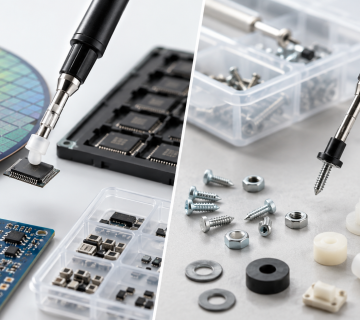
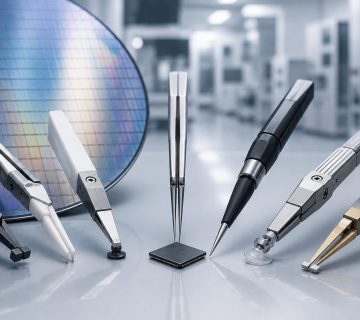
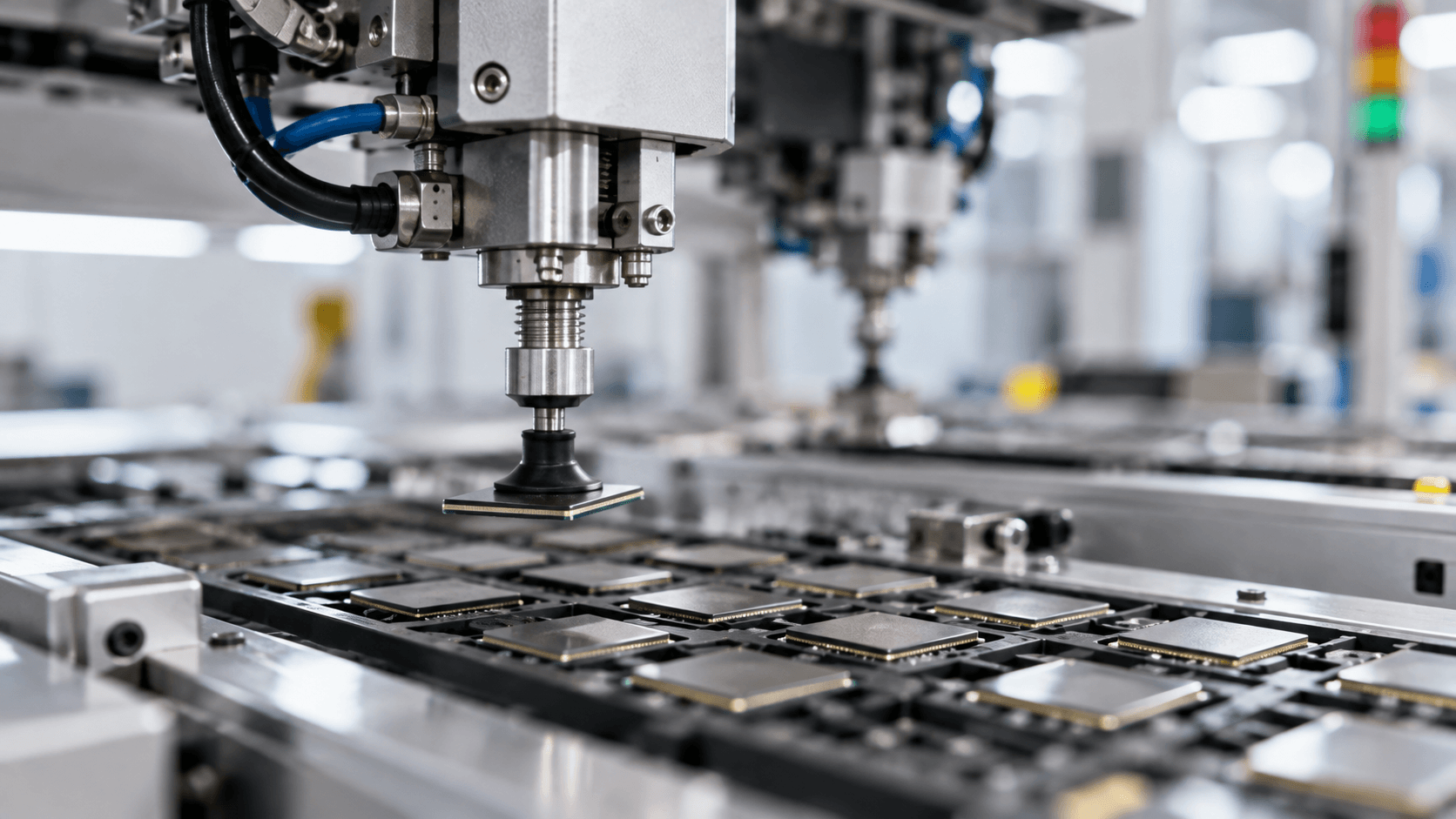
A pick-up tool is the precision component that lifts, positions, and places a die during semiconductor assembly — typically using vacuum pressure through a collet or tip in direct contact with the die surface.
Because this contact happens thousands of times per shift, even small deviations in vacuum pressure, tool condition, or calibration compound quickly into measurable yield loss.
Problem 1: Die Drop — Causes and Fixes
What it looks like: The pick-up tool loses its grip on the die during transport, causing the component to fall before reaching its destination.
Common causes:
- Vacuum fluctuations — clogged vacuum lines, leaking seals, or insufficient vacuum pressure
- Worn or damaged collets — chipped, cracked, or contaminated rubber or ceramic pick-up tips
- High acceleration — rapid machine movements that exceed the holding force of the vacuum
- Ejector pin issues — poor synchronisation between the bottom ejector pins pushing the die up and the vacuum tool pulling it from the blue tape
How to fix it:
- Implement real-time vacuum pressure monitoring that stops the machine if a pressure drop is detected
- Establish regular preventive maintenance schedules to clean or replace worn collets
- Optimise ejector pin height and delay to ensure a clean transfer from the wafer tape
Problem 2: Misalignment — Causes and Fixes
What it looks like: The die is picked up off-centre, rotates during transit, or is placed incorrectly onto the substrate or leadframe.
Common causes:
- Vision system errors — dirty camera lenses, poor lighting, or incorrect pattern-recognition algorithms failing to find the die centre
- Collet wobble — mechanical wear in the pick-and-place head assembly or loose tool mounting
- Static electricity — electrostatic discharge (ESD) buildup causing the lightweight die to shift or jump right before contact
- Inconsistent tape tension — warped or unevenly tensioned wafer film causing the die to sit at an angle before pick-up
How to fix it:
- Calibrate the upward- and downward-looking cameras regularly
- Use static eliminators (ionisers) at the pick-and-place stations to neutralise static charges
- Ensure the tool changer or collet holder has zero mechanical play
Problem 3: Surface Marks — Causes and Fixes
What it looks like: Scratches, micro-cracks, contamination, or aesthetic defects on the active surface or backside of the die.
Common causes:
- Excessive force — high impact or over-travel during the initial pick or final placement phase
- Material hardness mismatch — using a metal or hard ceramic collet on delicate, thin, or low-k dielectric dies
- Debris contamination — embedded silicon particles or dust on the collet tip pressing into subsequent dies
- Ejector pin damage — pins that are too sharp, misaligned, or pushing with too much force, causing backside micro-cracking
How to fix it:
- Switch to soft-tip collets made of high-temperature rubber, Vespel, or specialised polymers
- Programme gentle velocity profiles to reduce impact force during tool-to-die contact
- Automate collet tip cleaning cycles using sticky pads or air-blow systems to remove debris
Directly Comparing the Issues
| Problem | Primary Consequence | Most Common Root Cause | Quickest Remedy |
|---|---|---|---|
| Die Drop | Lost components, machine downtime | Vacuum loss / clogged tip | Clean vacuum lines & replace worn collet |
| Misalignment | Short circuits, poor bonding, rejected parts | Vision error / static electricity | Recalibrate cameras & turn on ionisers |
| Surface Marks | Micro-cracks, functional die failure | Excessive impact force / hard tooling | Switch to soft-tip rubber/polymer collets |
How to Prevent Pick-Up Tool Problems: Best Practices
- Monitor vacuum pressure in real time and set automatic stops for pressure drops
- Replace collets on a scheduled maintenance cycle, not just when wear becomes visible
- Calibrate vision cameras and check lighting conditions regularly
- Install static eliminators (ionisers) at pick-and-place stations to control ESD
- Select collet material based on die fragility — soft-tip rubber or Vespel for delicate, thin, or low-k dies; harder materials for high-force, high-cycle work
- Programme gentle velocity profiles and automate tip-cleaning cycles to reduce contamination and impact damage
Frequently Asked Questions
What’s the most common cause of die drop in semiconductor assembly?
Vacuum fluctuations — such as clogged lines, leaking seals, or insufficient pressure — combined with a worn or damaged collet that no longer forms a reliable seal.
Can static electricity really cause misalignment?
Yes — electrostatic discharge buildup can cause a lightweight die to shift or jump right before contact, throwing off placement even when the vision system and tooling are otherwise correctly calibrated.
How do I know if I need a softer collet material?
If you’re seeing scratches, micro-cracks, or surface contamination on delicate, thin, or low-k dielectric dies, a harder collet material is likely too aggressive for that die type — switching to soft-tip rubber, Vespel, or specialised polymer collets is usually the quickest fix.
Conclusion: Most Pick-Up Tool Failures Are Preventable
Die drop, misalignment, and surface marks rarely happen at random — each one traces back to a specific, identifiable cause in vacuum systems, vision calibration, mechanical wear, or tool material selection. Addressing the root cause, rather than just the symptom, is what actually reduces yield loss on the line.
For guidance on selecting the right pick-up tool material for your specific die type, or to compare rubber tips vs carbide tips for your application, Contact Us Now — our team can help match the right tooling to your process.